
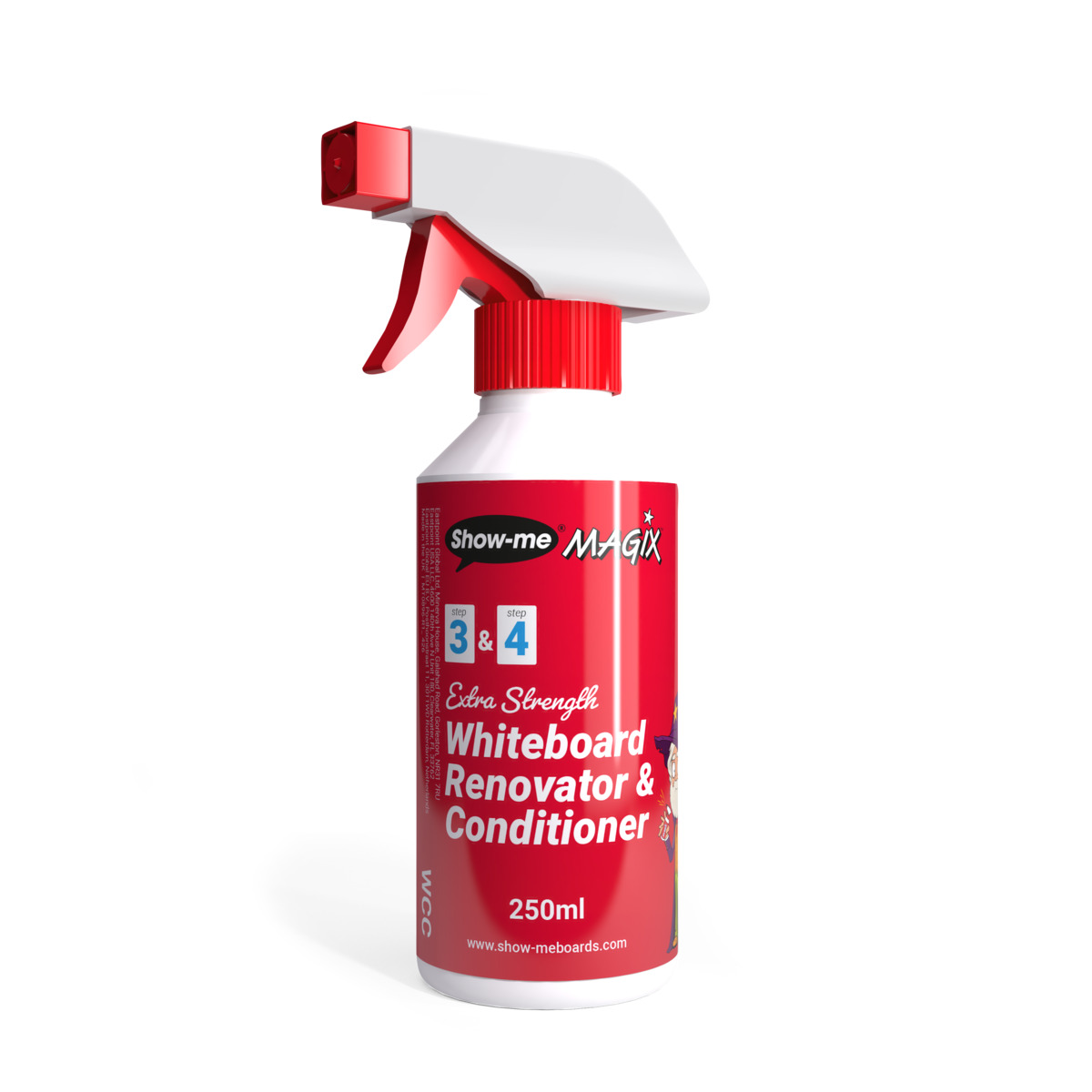
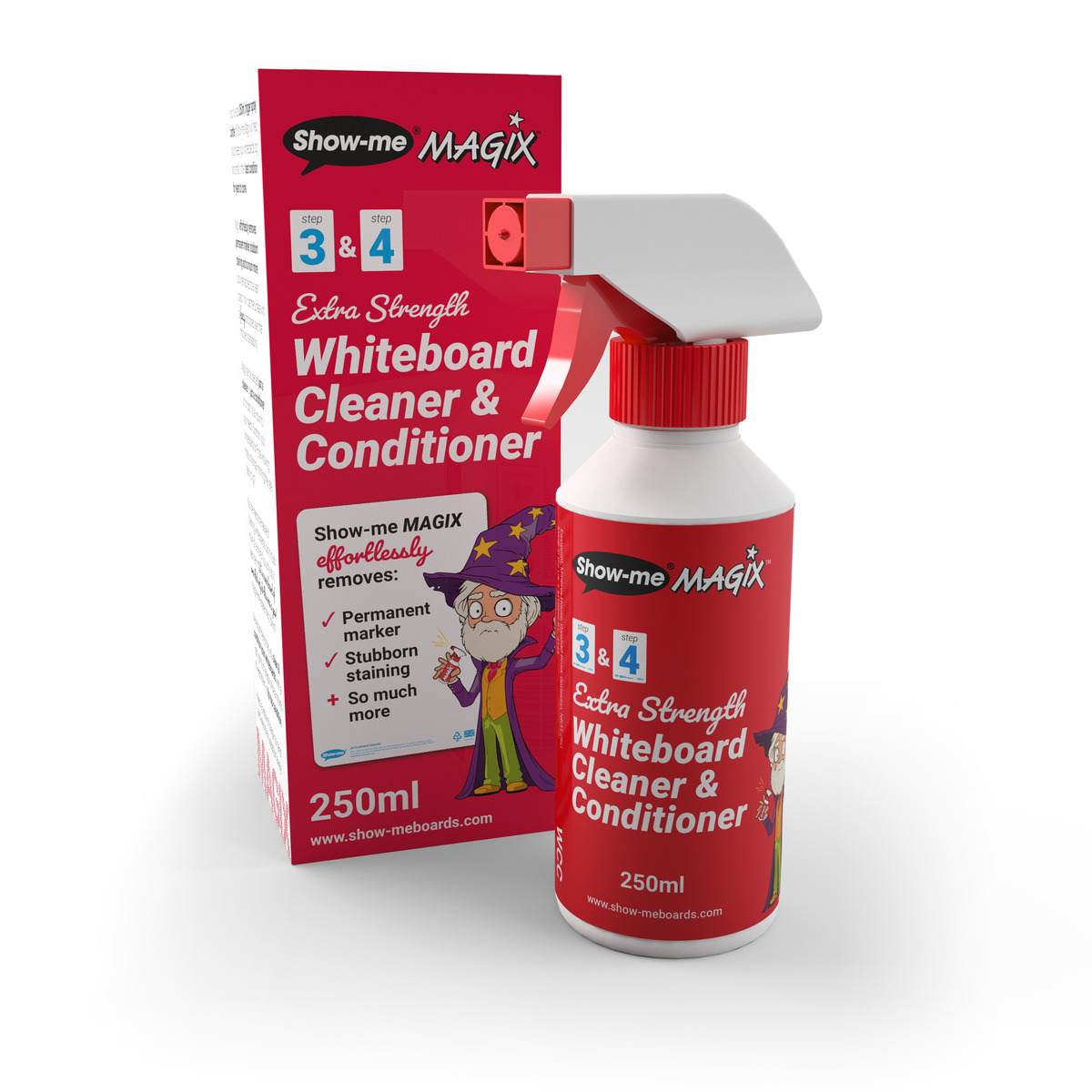
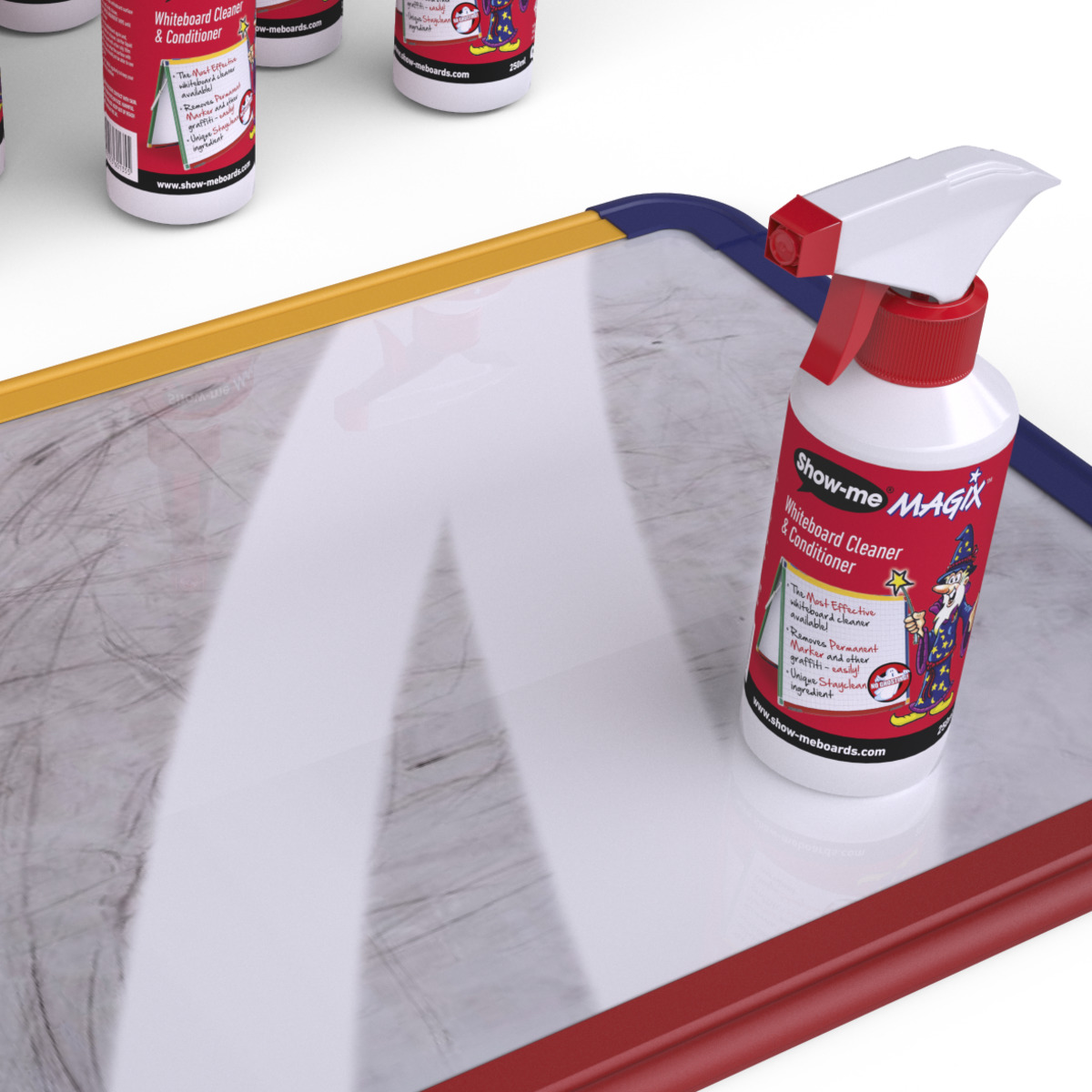
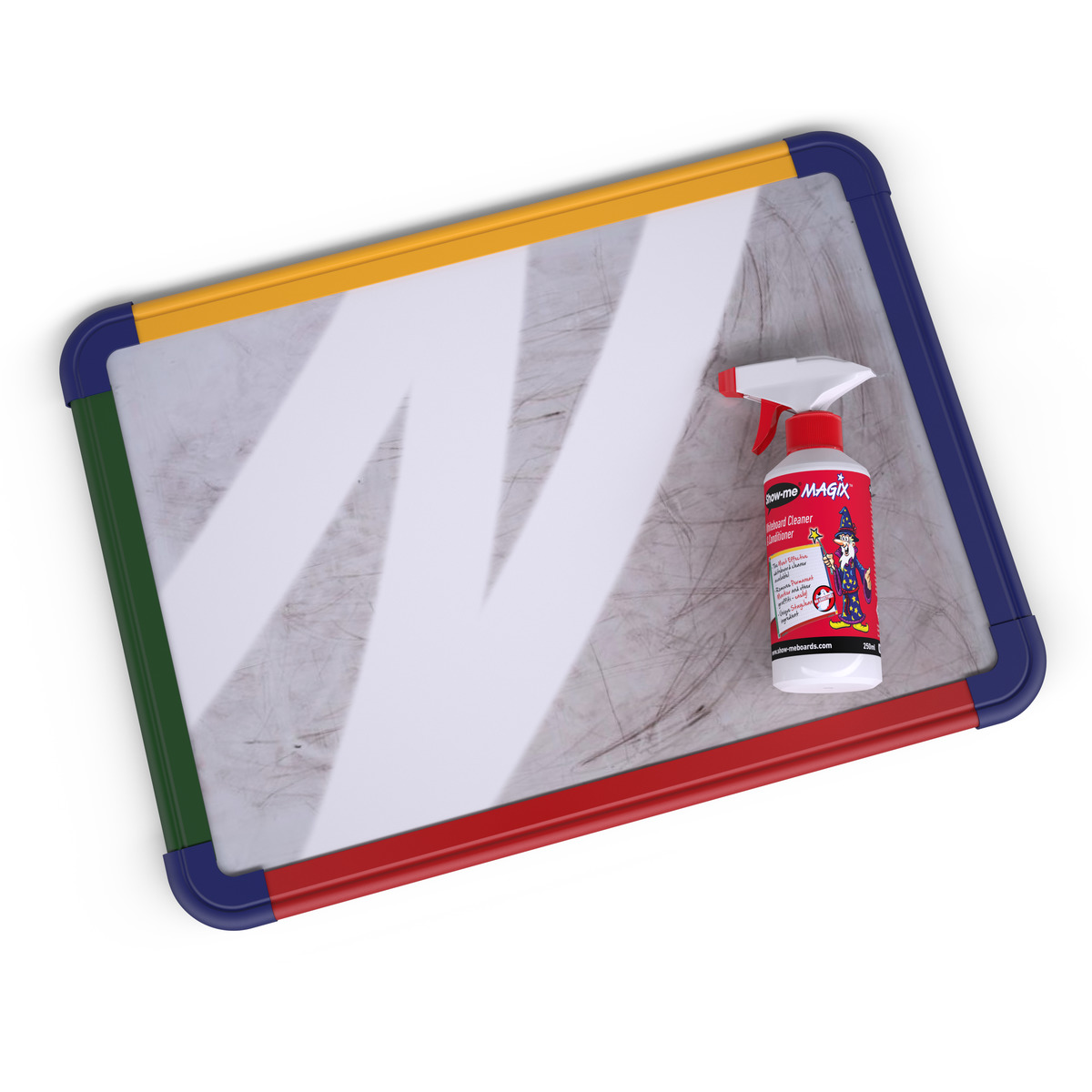
Magix Whiteboard Renovator and Conditioner 250ml
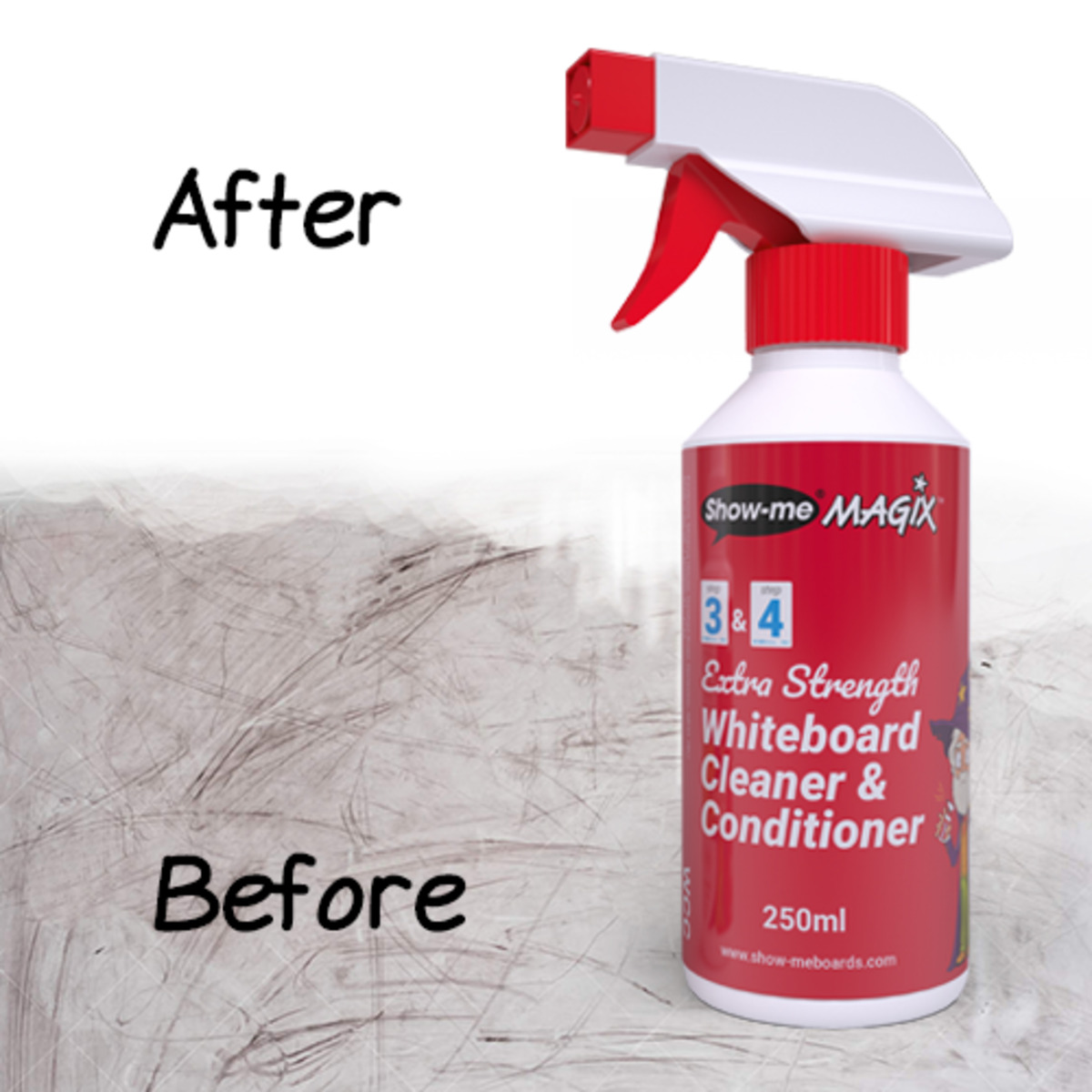
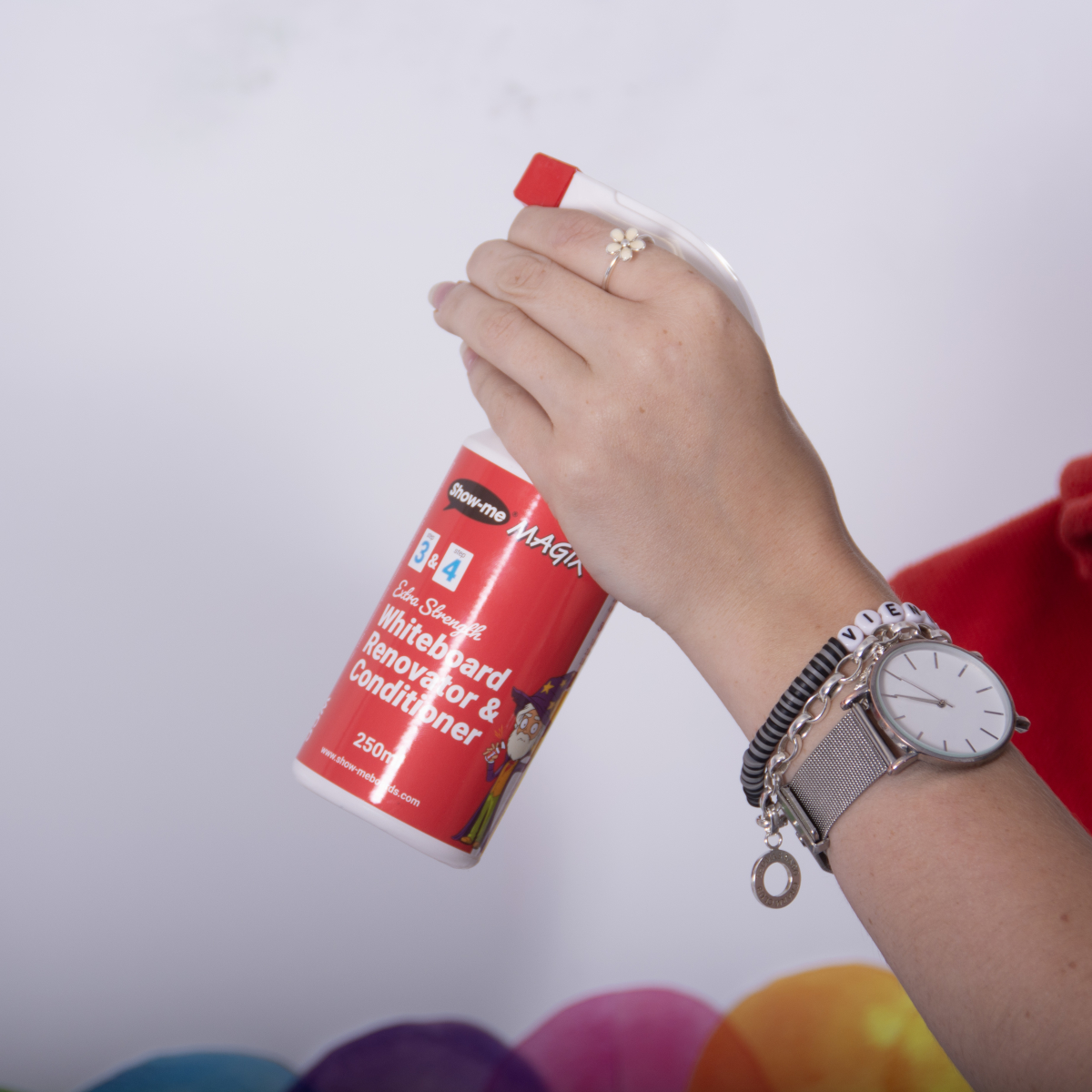
Make your whiteboards, BIG or small sparkle! Ideal for use on larger wall-mounted or individual mini whiteboards, this cleaner is two products in one. The crucial final stage of our 3-step cleaning system, this whiteboard conditioner and renovator effortlessly removes ghosting, stubborn staining and permanent marker with ease. From just 1 application, your boards will be renewed.
Price range: £13.14 through £208.50 inc. VAT
Product Description
Picking up the wrong marker is too easy. It’s only when you come to wipe the ink away that you notice it was permanent!
Luckily, Magix is here to assist. With it’s ink lifting ability, you can effortlessly remove many types of ink from non-porous surfaces including permanent marker.
Magix is not designed to be used as your first step to cleaning whiteboards. In fact, just using Magix can make things worse. As you apply Magix, the ink is rewetted and constantly applying it keeps it in this state where it’s prone to smudging the ink rather than removing it. To really remove the staining, once the ink is wet again, go back to the Step-2 Whiteboard Cleaner and wipe away all the residue, then come back and use Magix’s conditioning additive to leave a microfilm layer. This provides lasting protection against ink staining and improves the erasability of boards for a smoother writing experience.
One bottle gives up to 375 applications and, on average, renovates one A4 mini whiteboard per application.
From the Lab
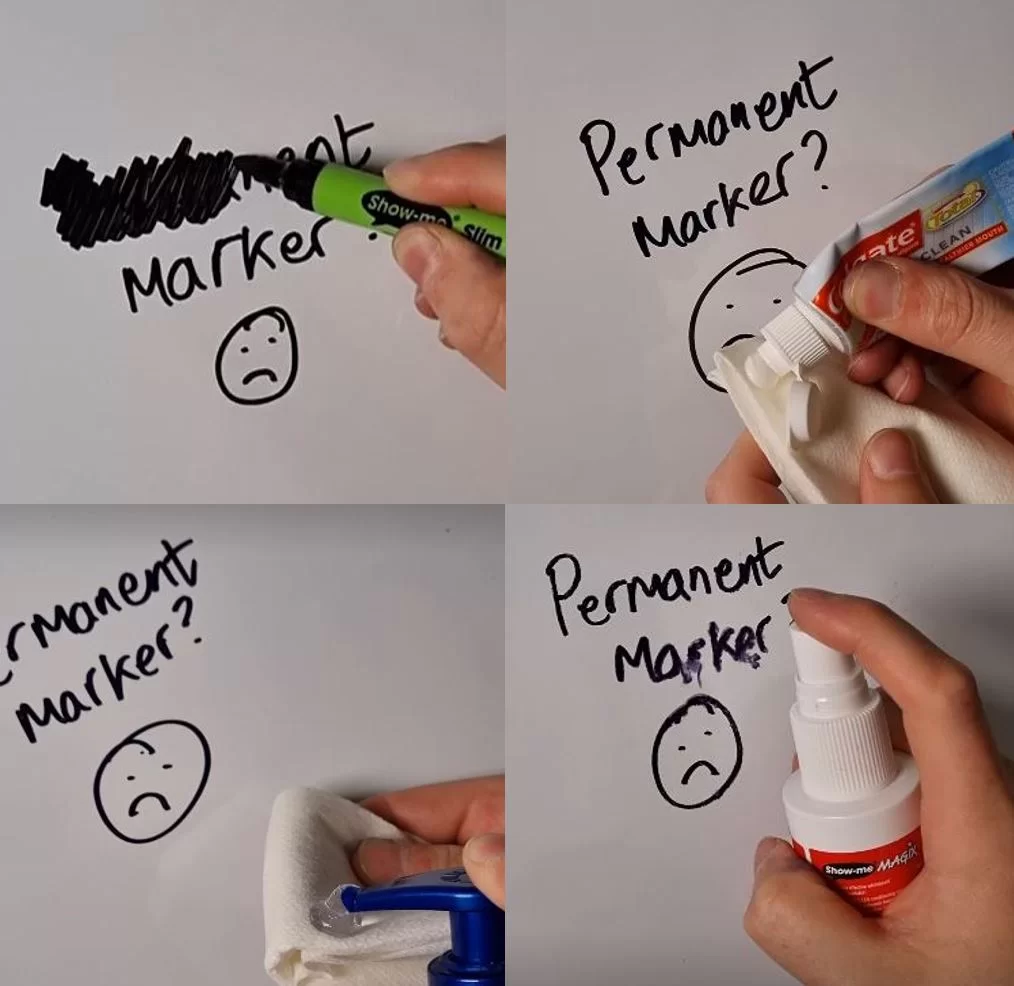
We are aware of numerous online articles that show people how to remove permanent marker from a whiteboard.
So, in the depths of the lab, we have 'taken one for the team' and tried them all on our whiteboards. For the most part we cannot recommend any of the solutions as there is a real risk of damaging your whiteboard surface.
For the 'one time only solutions', most work, but it's always better to use a cleaner designed specifically for removing permanent marker.
Many of these methods surprisingly did work, however the finished result was not as clean as just simply using Magix. We do not recommend using toothpaste, sanitiser or pencil eraser as they will damage the boards surface. There are other permanent marker cleaners and whiteboard conditioners on the market, but none that we have tried perform the same as Show-me Magix Whiteboard Cleaner & Conditioner.
Product Specifications
| Weight | N/A |
|---|---|
| Dimensions | N/A |
| MSDS | https://marketinghub.eastpointglobal.com/pages/view.php?ref=79&k=8beed84a30 |
| GTIN | — |
You may also like…
-
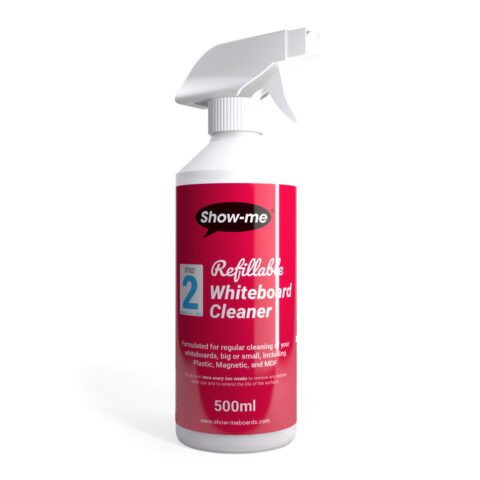
Refillable Whiteboard Cleaner 500ml
£7.86 inc. VAT -
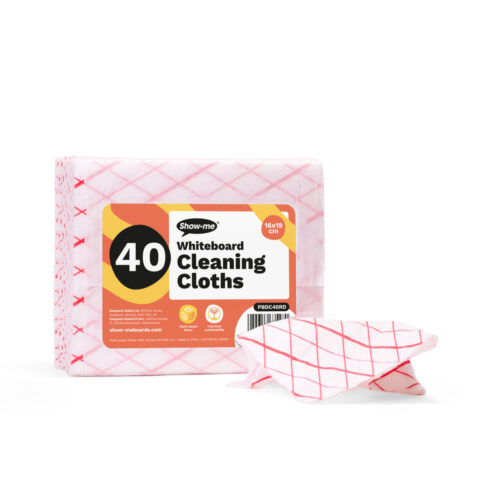
Plant-based Whiteboard Cleaning Cloths – 40 Pack
£6.84 inc. VAT -
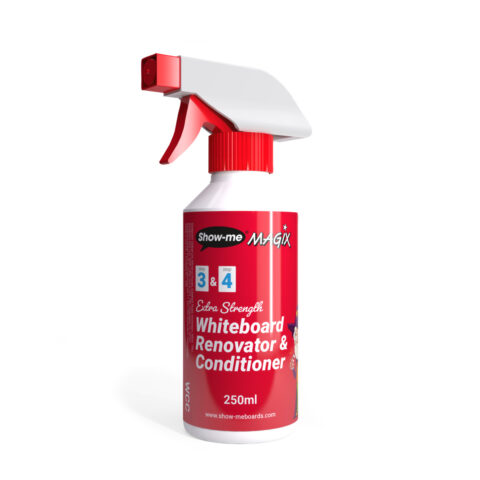
Magix Whiteboard Renovator and Conditioner 250ml – 1
£13.14 inc. VAT